

 ES
ES


What is a tablet made of? The key components explained
13-08-2024 • Tiempo de lectura: 6 min

As a phone repairman, it is important to know exactly how a tablet is built. In this blog, we bring your knowledge of the most important parts of a tablet back up to date. This recap can help you solve problems faster and more efficiently. Read on to regain an understanding of the role each part plays within the whole.
The main tablet components in brief
A tablet consists of several key components that work together to make the device function properly. The casing protects and reinforces the tablet, while the screen provides visual display and interaction. The battery provides the necessary power, and ICs control important functions such as processing and communication. Other key components include cameras for taking photos and videos, speakers and microphones for audio, and sensors that enhance the user experience by measuring movement and orientation. Antennas provide wireless connectivity, and the SIM reader makes mobile networks accessible.
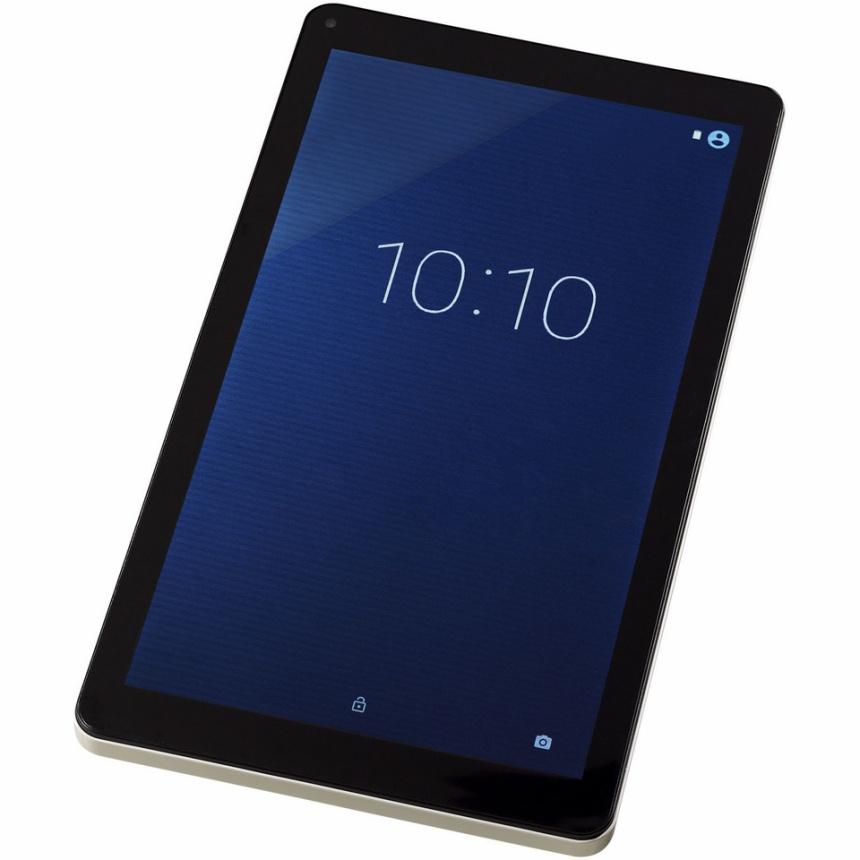
Housing
The housing of a tablet protects the internal components from physical damage, helps dissipate heat to prevent overheating, and provides a comfortable user experience of the device. In addition, it reinforces the structure of the tablet, contributing to the durability and longevity of the device.
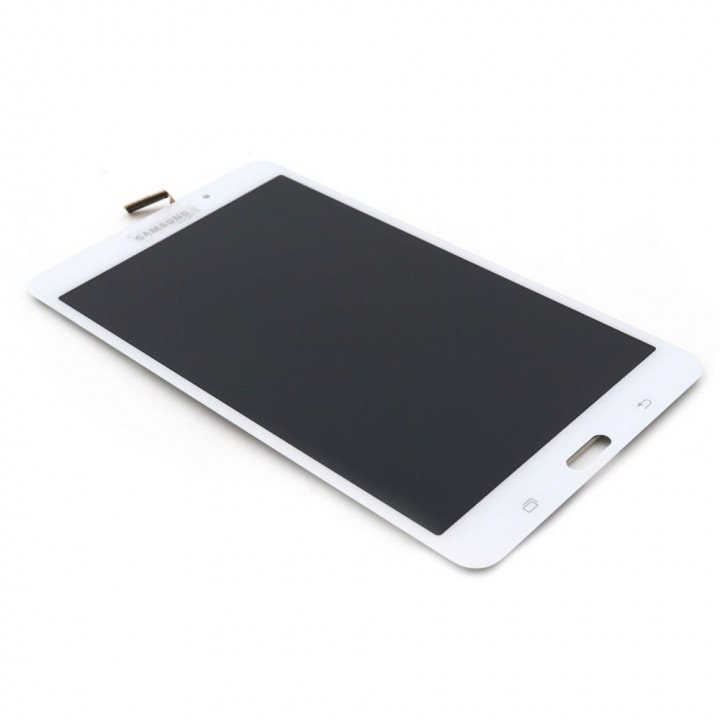
Display
A tablet's display lets you see what is happening on the device and allows you to interact with it. You can use touch to open apps, view photos and videos, and control everything.
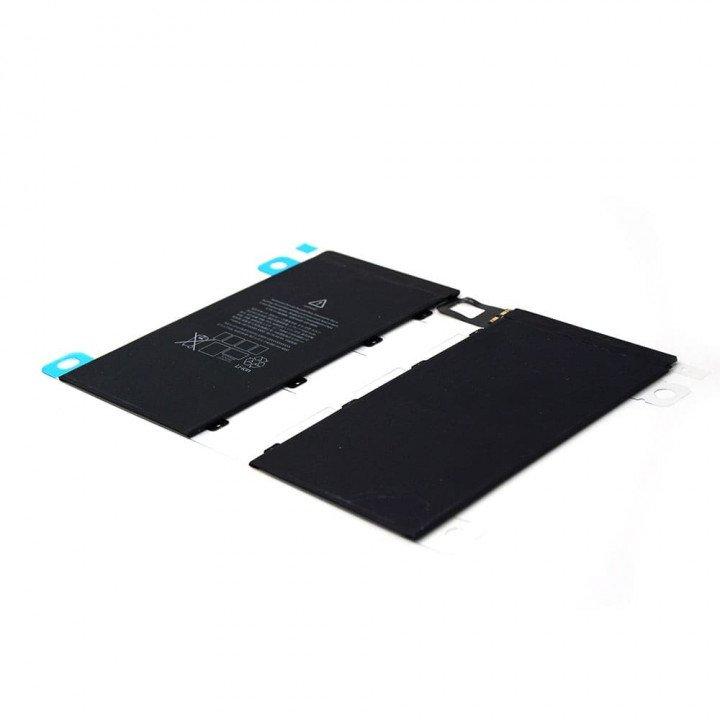
Battery
A tablet's battery provides the power needed to run the device. It keeps your tablet mobile and wireless, so you can use it anywhere without constantly having to plug into an outlet.
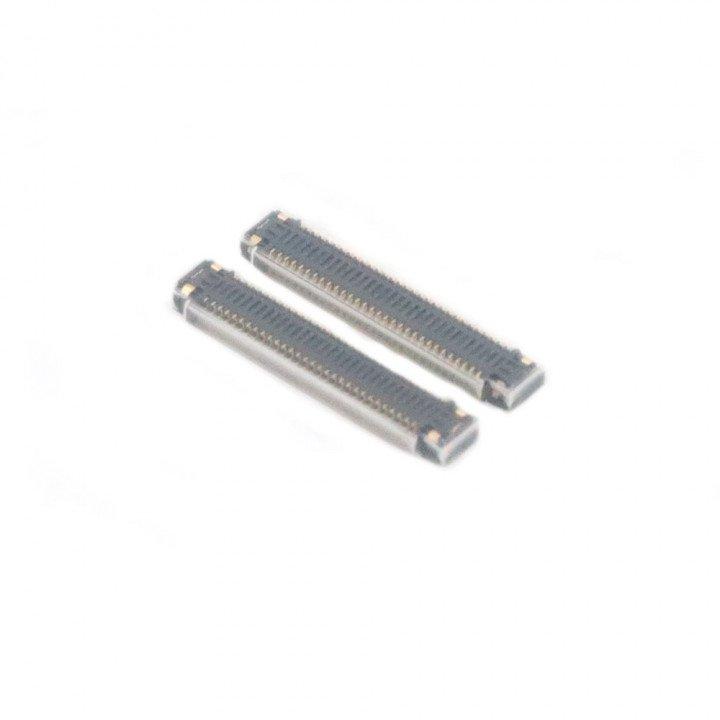
IC
An IC (Integrated Circuit) in a tablet is a small but important component that performs various electronic functions. ICs can be responsible for managing tasks such as processing data, controlling the screen, regulating the battery, and coordinating communications between different parts of the tablet.
There are several types of ICs in a tablet, including:
- Processor IC (APU - Application Processor Unit): The central chip that handles the main processing of data and instructions. This is often the powerful chip such as the Apple A series (e.g. A14 Bionic, M1) that is responsible for the overall performance of the tablet.
- GPU (Graphics Processing Unit): Processes graphics data and displays images and videos on the screen. This can be integrated with the processor or be a separate chip.
- RAM Controller IC: Manages the tablet's memory (RAM), ensures that data can be quickly accessed by the processor.
- Power Management IC (PMIC): Regulates the power supply and charging function of the battery, manages energy consumption and ensures efficient distribution of electricity to the various components.
- Touchscreen Controller IC: Handles touches on the screen and converts them into actions that the operating system understands.
- Audio IC: Manages audio functionality, such as processing sound for both the microphone and speakers.
- Baseband IC: Manages wireless communications, such as Wi-Fi, Bluetooth, and possibly cellular networks (in models with cellular connectivity).
- Camera IC: Processes the signals from the camera and handles photo and video processing.
- Sensor ICs: Manage various sensors such as the accelerometer, gyroscope, and ambient light sensor that help detect motion and environmental conditions.
These ICs work together to enable the various functions of the tablet, from general performance to specific tasks such as touch control and wireless communication.
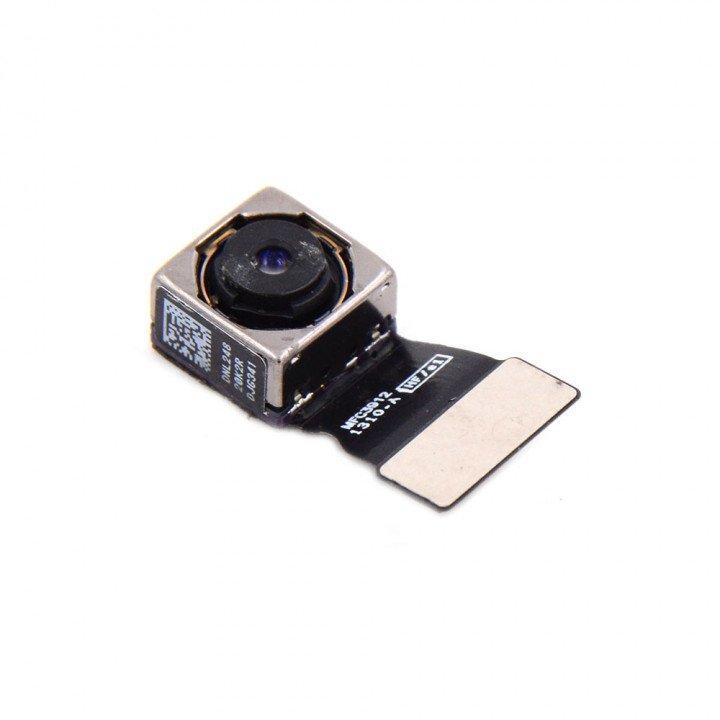
Camera's
A tablet's camera offers the ability to take sharp photos and videos, which is useful for capturing moments or documenting information. The front camera offers the ability to make video calls via apps such as FaceTime or Zoom. In addition, the camera can scan documents and QR codes, and some models support augmented reality (AR) apps, which project digital elements into the real world for an interactive experience.
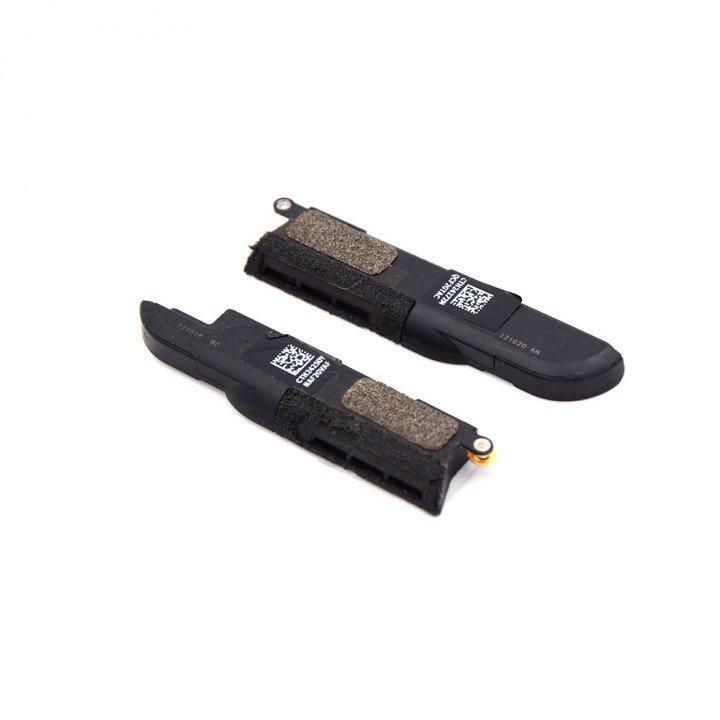
Speaker and Microphone
A tablet's speakers provide clear sound when playing music, videos and conversations. They make it possible to hear audio clearly. Microphones capture sound for calls, voice commands and video calls. They allow you to be heard clearly during conversations and accurate voice recognition.
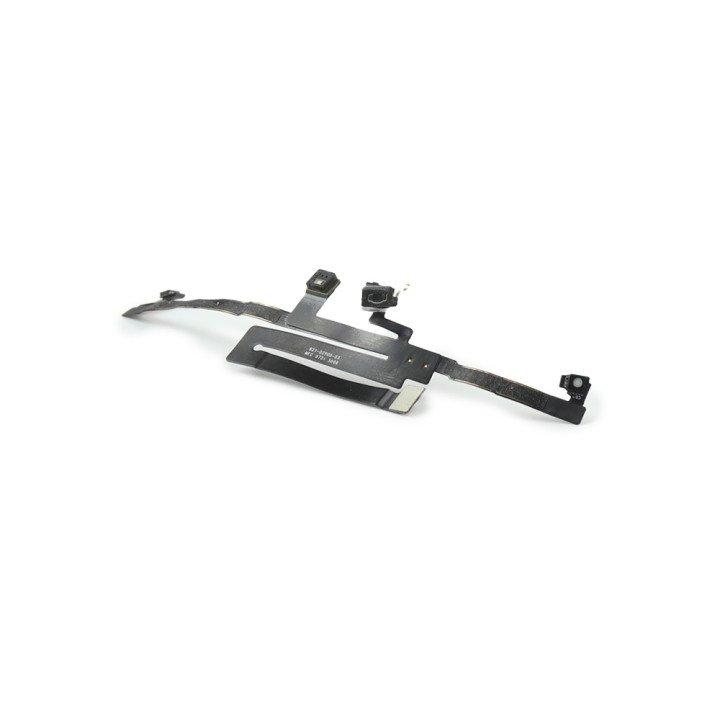
Sensors
The sensors in a tablet play an important role in improving the user experience. Among other things, they measure the orientation and motion of the device, which automatically rotates the screen and displays apps correctly. The accelerometer and gyroscope provide accurate motion detection, which is essential for games and augmented reality applications. The ambient light sensor adjusts screen brightness based on lighting conditions, while the barometer provides altitude information.
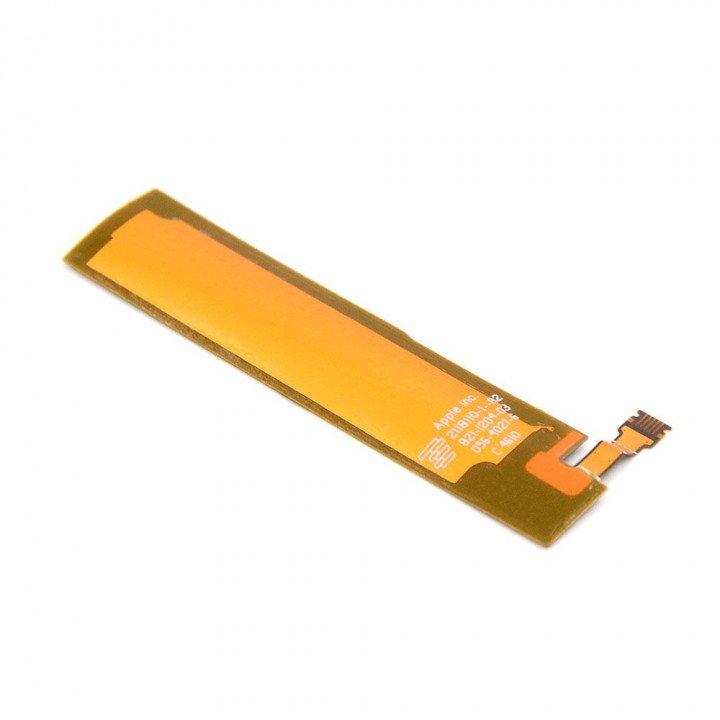
Antennas
Among other things, antennas provide various ways for the device to connect to other devices and accessories. This includes wireless connections such as Wi-Fi and Bluetooth.

SIM-reader/holder
The SIM reader in a tablet is responsible for processing a SIM card, which is required for mobile networks. This feature allows you to connect to the Internet via a 4G or 5G connection when there is no Wi-Fi nearby. It allows you to send and receive data, and provides access to mobile services such as telephony and SMS, depending on the model and configuration. The SIM reader allows the tablet to connect to mobile networks for Internet access and other network capabilities.
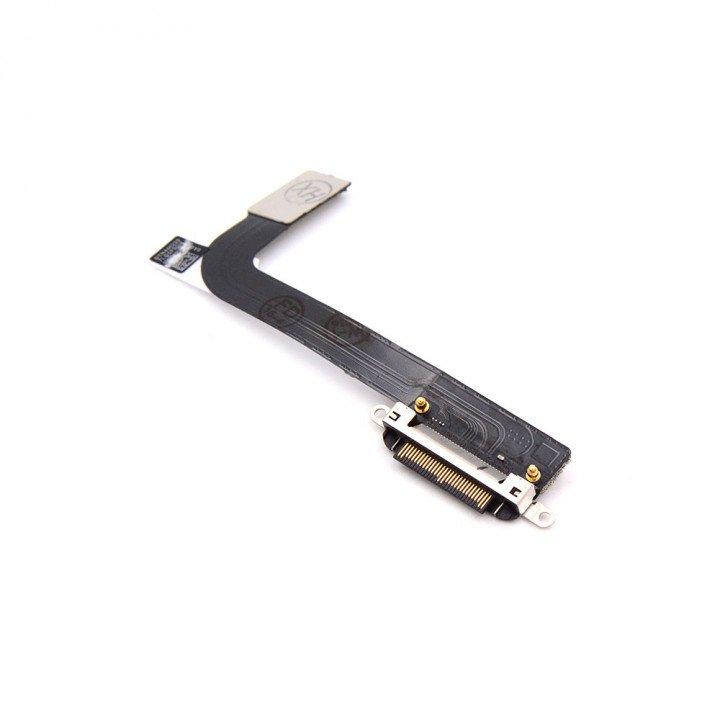
Charging Connectors
A tablet's charging connector, such as the Lightning or USB-C port, has several functions. First, this connector serves to charge the tablet's battery, allowing you to power the device again. In addition, the connector enables data transfer, allowing files to be synced with a computer or other devices. Accessories such as keyboards, adapters and external storage devices can also be connected through this port.
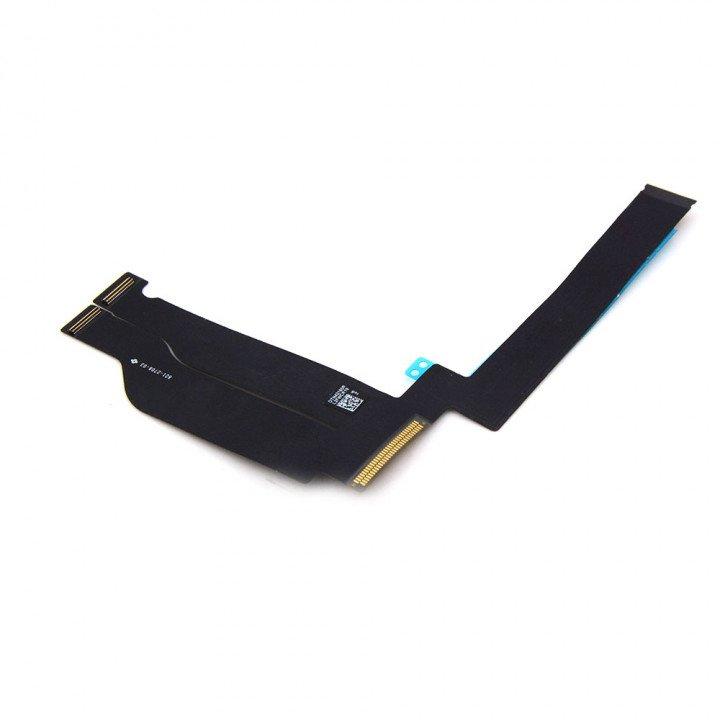
Main Flex Cable
The Main Flex Cable of a tablet connects the main components inside the device, such as the screen, processor and battery. This cable allows electrical signals and data to pass between the various components.
Stay on top of the latest developments and updates by following our blogs and following us on LinkedIn.


